Turnkey Voice AI Onboarding
Go from signup to live production calls without a long project. Follow a guided path to connect your PBX, choose your voice, verify CRM endpoints, and get your team ready, with optional hands-on setup if you want help.
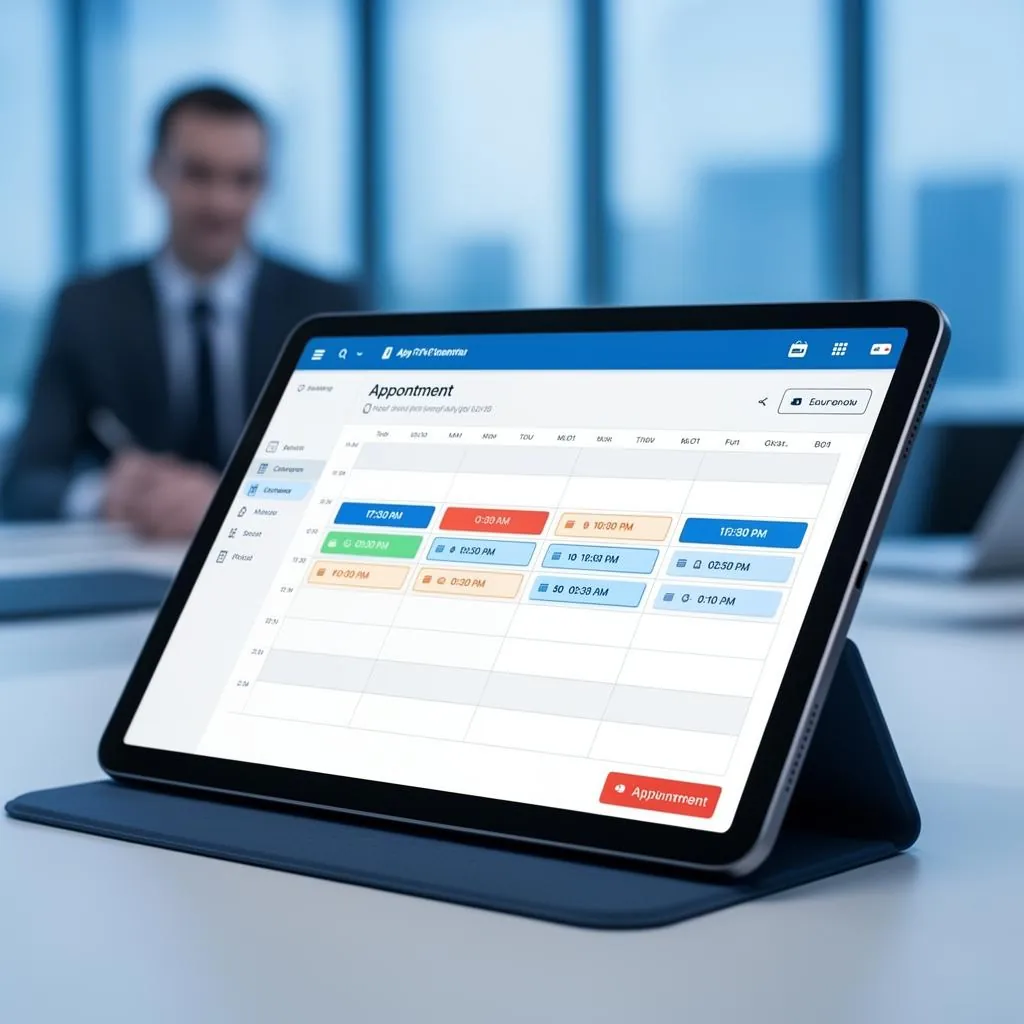
Voice AI Onboarding is the guided process that transitions a business from legacy phone operations to live Conversational Voice AI agents. On The AI Call platform you connect SIP gateways or forward your number, upload your knowledge base, integrate CRM/EHR databases, test every call path, and get staff comfortable with the dashboard, on your own or with optional hands-on setup.
Standard agents can go live the same day; larger rollouts typically reach full traffic within 14 days with 0 business downtime.
Want help with SIP trunking, prompt tuning or CRM API connections? You can add hands-on setup when you sign up.
Every call is recorded, transcribed and summarized, so you can review transcripts and fine-tune accuracy from day one.
The 4 Pillars of Guided Onboarding
A structured onboarding path that eliminates risk and helps your agent perform well from day one.
1. Discovery & Telephony Provisioning
Map your business logic, establish SIP trunk connections or call forwarding, and choose your voice brand parameters.
- SIP domain setup & DID forwarding configuration
- Brand voice selection & neural tone calibration
- CRM API key authentication & field mapping
2. Knowledge Base Ingestion & RAG Tuning
Vectorize company SOPs, FAQs, product catalogs, and policies to ground the AI with zero hallucination.
- High-density vector database indexing (Pinecone)
- Dynamic function-calling tool execution setup
- Strict fallback & human escalation rules
3. Rigorous QA & Load Testing
Before opening production traffic, test every call path in your browser and with real test calls.
- Voice processing validation
- Barge-in interruptibility stress testing
- Bi-directional CRM database read/write verification
4. Team Training & Post-Launch Review
Get your staff comfortable with real-time dashboards, manual override options, and daily analytics auditing.
- Live admin dashboard walkthrough sessions
- Daily transcript reviews in the call logs
- Continuous prompt refinement & optimization
Comparing Implementation Options
See how guided onboarding on The AI Call compares with building your own voice stack or hiring a contractor.
| Deployment Metric | DIY Voice Stack | External IT Contractor | The AI Call Guided Onboarding |
|---|---|---|---|
| Setup Help | No (Community forums) | Junior IT staff | Templates, guided checklist & optional hands-on setup |
| Deployment Timeline | 3 - 6 months (DIY) | 6 - 12 weeks | Same day (standard) to ~14 days (enterprise) |
| Load & Call QA | Not offered | Basic test calls | Browser test calls & full call logs |
| Staff Dashboard Training | Self-study docs only | Static slides | Simple dashboard + optional live training |
| Post-Launch Support | None | Paid hourly support | Transcripts & summaries for every call |
The 14-Day Go-Live Timeline
Step-by-step breakdown of a larger rollout on the platform, from signup to full production in about two weeks.
Kickoff & SIP Setup
Pick a template, map requirements, set up carrier trunking or forwarding, and choose a brand voice.
RAG Ingestion & API Bridge
Indexing SOP documents into vector DBs and connecting CRM/EHR database endpoints.
Stress Testing & QA
Browser and test-number calls, barge-in tuning verification.
Staff Training & Go-Live
Team dashboard walkthrough, production traffic switch, and daily transcript reviews.
Go live on your own in three steps.
Every account follows the same guided path. Hands-on setup is there if you want it, never required.
- 1
Sign up and pick a template
Create your account, choose a template and upload your FAQs, SOPs and pricing to the knowledge base.
- 2
Test it in your browser
Talk to your agent, check every call path and handoff, and fix answers before any customer hears them.
- 3
Connect your number
Forward your line or connect a SIP trunk, then watch recordings, transcripts and summaries in the call logs.
Pay as you go from $0.07 to $0.31 per minute, plus phone line minutes from $0.015. $10 in free credits, no monthly fee.
Voice AI Onboarding FAQ
Answers to common questions regarding implementation timelines, zero-downtime switching, and staff training.
Deploy Your Voice AI System in 14 Days
Start free with $10 in free credits, follow the guided setup and go live when your agent sounds right. Pay as you go at $0.07 to $0.31 per minute, no monthly fee or contract.
Want help? You can add hands-on setup when you sign up. See pricing.